
How to Reduce IT Downtime in Manufacturing: The Stability, Security & Operations Framework
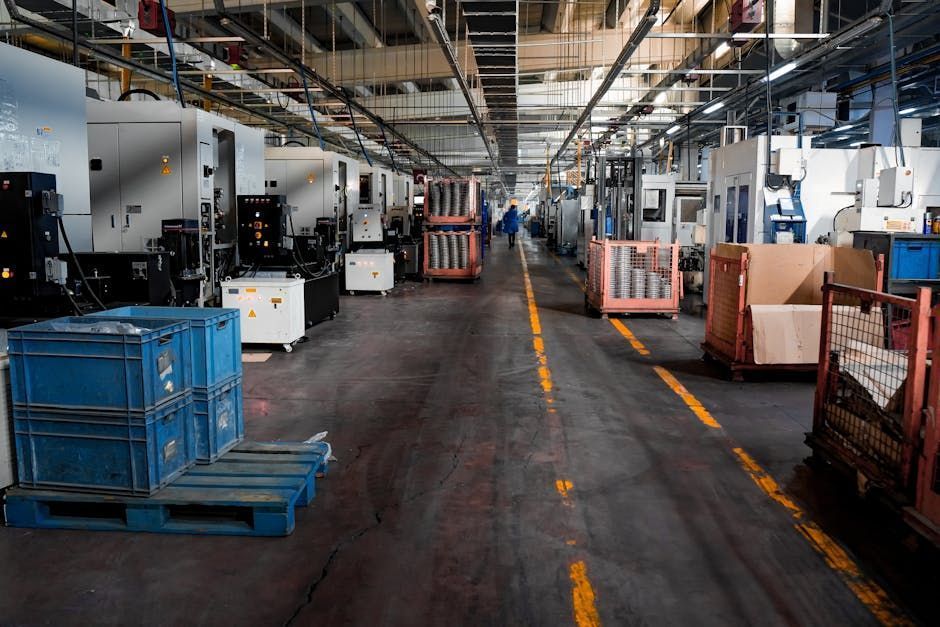
IT downtime in manufacturing is any period when production-supporting technology — networks, servers, ERP workstations, scanners, or plant Wi-Fi — stops working reliably enough to sustain normal output. Downtime rarely begins with dramatic failure. Most manufacturing IT downtime begins with small, recurring instabilities (dropped scanners, lagging terminals, plant-floor Wi-Fi dead zones) that compound into lost throughput, delayed shipments, and missed customer commitments.
Why Manufacturing Downtime Rarely Starts Where You Think It Starts
For East Tennessee manufacturers, the real risk is not a catastrophic outage.
The real risk is the small, recurring technology friction that teams have quietly learned to work around. A scanner drops off the network. An ERP workstation freezes at shift change. The plant floor has a Wi-Fi dead zone that slows label printing. A server hiccup forces someone to re-enter production data by hand.
Individually, those look manageable. Together — especially when the wrong one hits at the wrong time — they turn one technical issue into an all-day production problem.
The goal is not a perfect environment. Hardware wears out. Internet circuits fail. Software breaks. Users make mistakes. Cyber incidents happen.
The goal is resilience : the ability to absorb a disruption, keep critical processes moving, and recover fast.
At Hyperion Networks, we evaluate that resilience through three connected pillars — Stability, Security, and Operations — and apply them specifically to manufacturing environments across East Tennessee.
1. Stability: The Foundation That Keeps Production Moving
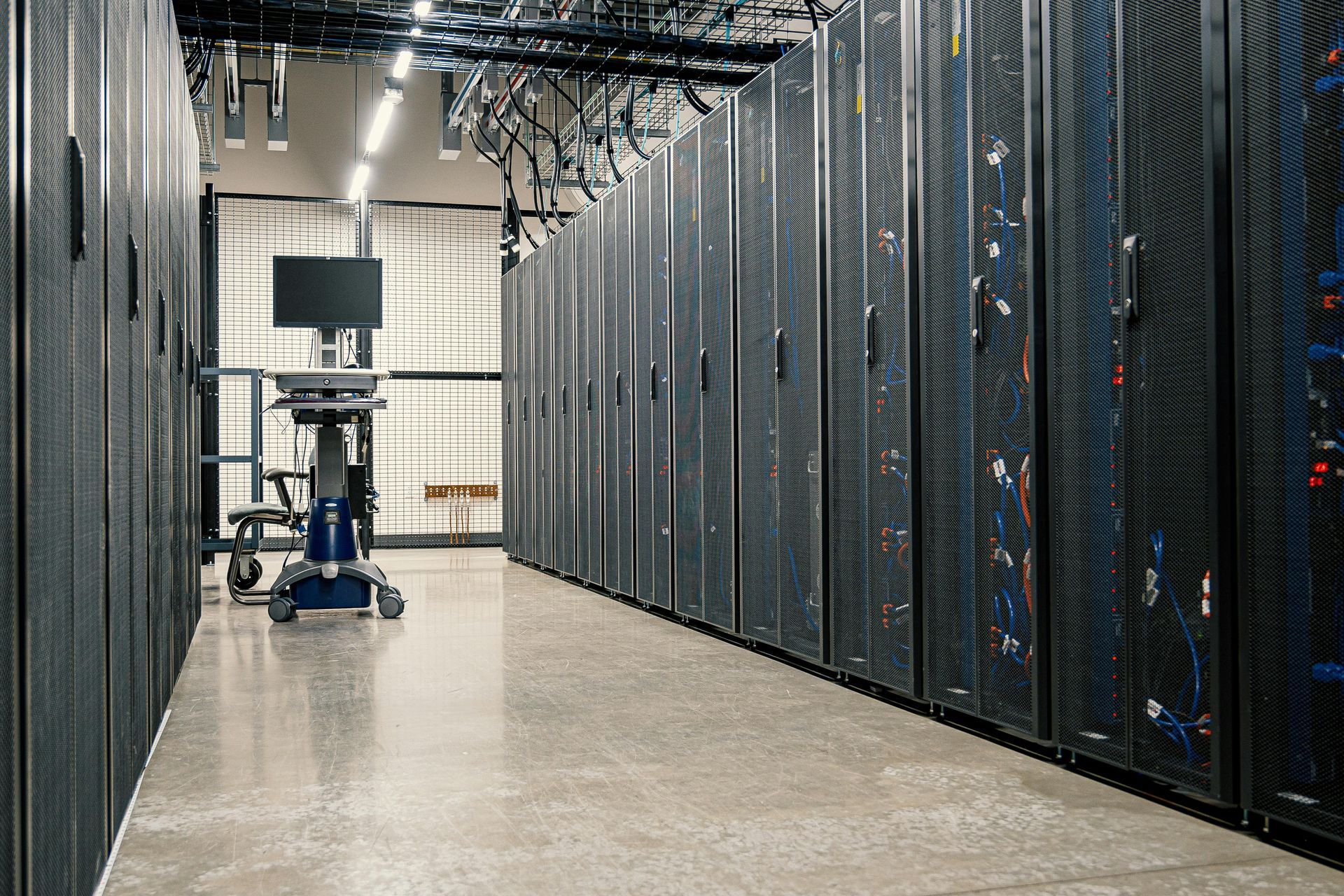
Quick answer: IT stability in manufacturing means reliable networking, monitored infrastructure, tested backups, dependable plant-floor Wi-Fi, and documented visibility into every device supporting production. Stable environments reduce the probability that a single hardware failure, internet outage, or software issue cascades across ERP, inventory, shipping, and communication systems during a shift.
You cannot build reliable production on unstable technology.
In most plants we assess, the single biggest risk is not a total outage. It is chronic instability that the team has stopped noticing because the workarounds became habit.
The packaging line keeps running, but the inventory terminals lag all day. The production supervisor has network access, but only from certain corners of the building. The shipping station stays online most of the time — except during peak activity, when connectivity gets unreliable.
Those are not minor IT issues. Those are early warning signs that the environment is more fragile than it looks.
Common fragility patterns in East Tennessee manufacturing environments
- One aging firewall and one internet connection (no failover)
- Undocumented switches and access points added as the plant grew
- Backups running, but never verified by an actual restore test
- Wireless coverage planned for office use, not plant-floor density
- No centralized monitoring, so problems surface only after users complain
When a hardware failure or provider outage hits that kind of environment, production does not stop instantly — but ERP, email, cloud files, and remote support all go dark together. Decision-making slows. Communication breaks down. Every delay compounds.
Stable infrastructure does not guarantee zero issues. It reduces the chance that a single failure takes down everything around it.
2. Security: Because Failures Are Not Always Accidental
Quick answer: Manufacturing cybersecurity directly affects operational uptime. Ransomware, compromised credentials, and poorly controlled access can stop production as effectively as hardware failure. For manufacturers, cybersecurity protection must include multi-factor authentication, endpoint protection, patched systems, tested backups, and identity controls — because a single compromised email account can shut down scheduling, shipping, and vendor communication for days.
Some system failures come from aging equipment.
Others come from cyber risk — and for manufacturers, the operational impact is the same.
Manufacturing businesses are increasingly exposed because production, inventory, scheduling, vendors, and shipping all depend on connected systems. That exposes the business to downtime from technical failure and downtime from ransomware, compromised credentials, and uncontrolled access.
Plant and business leaders should treat security as part of operational uptime, not as a separate IT concern.
Where security failures become production problems
| Security Gap | Operational Consequence |
|---|---|
| Compromised user account | Attackers reach file shares, production docs, order data, scheduling tools |
| Missing multi-factor authentication | Email breach leads to fraud, confusion, and business interruption |
| Unpatched endpoints | Ransomware enters through a known vulnerability |
| Untested backups | Recovery takes days instead of hours when it matters most |
| Shared credentials | A single exposed password exposes the entire connected environment |
Security cannot be bolted on after the fact. It has to be part of how the business stays running: layered protection, strong identity controls, patching discipline, backup validation, user awareness, and clear separation between critical systems.
Security done well should not create fear. It should create confidence — the confidence that one bad click or one exposed password is less likely to become a plant-wide disruption.
3. Operations: The Difference Between Chaos and Recovery
Quick answer: Operational IT maturity means the business has documented systems, clear escalation paths, defined recovery procedures, and support priorities aligned to production impact. When operational maturity is present, recovery from a system failure becomes a repeatable process instead of an improvised scramble — dramatically reducing the duration of manufacturing downtime.
Even with stable infrastructure and strong security, things will still go wrong occasionally.
What matters then is whether your team knows exactly what to do next.
Picture two manufacturers dealing with the same server issue.
In the first plant , no one is sure which applications run on the affected server, when the last good backup was taken, or who owns the recovery decision. The internal scramble burns hours. Production leaders wait for updates. Office staff invent workarounds. The issue grows because no one has a clear picture.
In the second plant , there is documentation, monitoring history, a defined recovery process, and support aligned to business priorities. The disruption is still real, but the response is faster, calmer, and more effective.
That is operational maturity in real life. It is not about saving time on a normal day — it is about minimizing friction on a bad day.
What operational maturity looks like in a manufacturing IT environment
- Documented network and system inventories
- Clear backup and recovery procedures, validated with real restore tests
- Support processes tied to production impact — not ticket age
- Visibility into recurring issues before they become outages
- Defined priorities for which systems must come back online first
- Named escalation paths so the plant knows who to call
When operations is mature, recovery becomes a process. Not a panic.
The Technology Maturity Journey: Stable, Secure, Efficient — In That Order
Quick answer: The manufacturing technology maturity journey is a sequence: first build a stable environment (reliable infrastructure, networking, backups), then secure that environment (identity controls, layered protection, patching), then optimize operations (documentation, standardized recovery, support aligned to production). Skipping steps — adding AI or automation before stability is established — typically fails because advanced tools cannot compensate for an unstable foundation.
Most businesses try to solve downtime by buying one new tool.
That rarely works.
Staying operational when systems fail is a journey, not a purchase. It follows a sequence:
- Stabilize. Network, devices, backups, and connectivity become dependable.
- Secure. Cyber risk is reduced so it cannot create operational disruption.
- Optimize operations. Documentation, monitoring, and aligned support make response fast and consistent.
- Automate and adopt AI. Only after the foundation is solid do workflow automation and AI actually deliver value.
Manufacturers who skip ahead discover the same truth every time: advanced tools do not solve unstable systems. They just add more surface area for things to go wrong.
Questions Manufacturing Leaders Should Ask Right Now
If you want to know whether your manufacturing business is prepared for IT system failure, start with a few practical questions:
- What happens if your internet goes down for half a day? Can anyone still produce, ship, or communicate?
- What happens if a critical workstation or server fails during production hours? Who owns the recovery?
- How quickly could you restore files, systems, and user access after a cyber incident? Have you actually tested this?
- Are your backup and recovery processes validated, or assumed? "We have backups" and "we have working backups" are different statements.
- Does your team know who to call, what to prioritize, and what the fallback process is? If the answer is "it depends who's here," that is the gap.
If those answers are unclear, that uncertainty is the real risk — not the hardware.
You do not need to overhaul everything overnight. But you do need a baseline.
The Bottom Line for East Tennessee Manufacturers
System failures are inevitable.
Extended disruption is not.
The manufacturers that recover fastest are not the ones with the flashiest tools. They are the ones with stable infrastructure, practical security, and operational discipline — usually because they have a partner who looks at the business through all three lenses at once.
That is how plants keep lines moving, protect customer commitments, and stay productive even when something breaks.
Ready to Find Out Where Your Environment Stands?
Hyperion Networks helps East Tennessee manufacturers build resilient IT environments using the Stability, Security, Operations framework. We start with a clear assessment, identify where fragility exists before it costs you production time, and build a roadmap you can actually execute.
Based in Knoxville. Serving manufacturers within four hours of East Tennessee.
Frequently Asked Questions
What is IT downtime in manufacturing?
IT downtime in manufacturing is any period when production-supporting technology — networks, ERP workstations, scanners, servers, plant-floor Wi-Fi, or communication systems — is unavailable or unreliable enough to interrupt normal production activity.
How much does manufacturing IT downtime cost?
Costs vary by operation, but most manufacturers measure downtime in three layers: lost throughput during the outage, delayed or missed shipments after the outage, and secondary costs like overtime, expedited freight, and customer penalties. Unplanned downtime is almost always more expensive than proactive prevention.
What is the difference between planned and unplanned manufacturing downtime?
Planned downtime is scheduled — maintenance windows, patching, system upgrades — and the business can prepare for it. Unplanned downtime is unexpected and caused by hardware failure, network issues, cyber incidents, or human error. Resilience planning targets unplanned downtime specifically.
How do manufacturers reduce unplanned IT downtime?
Manufacturers reduce unplanned IT downtime by stabilizing their infrastructure (reliable networking, monitoring, tested backups), securing it against cyber risk (identity controls, patching, endpoint protection), and maturing their operations (documentation, defined recovery procedures, support aligned to production priorities).
What is an MSP and why do manufacturers use one?
A Managed Service Provider (MSP) is an outside IT partner that monitors, maintains, and supports a company's technology environment on an ongoing basis. Manufacturers partner with MSPs like Hyperion Networks to get enterprise-grade IT reliability without building and managing a large internal IT department.
Recent Posts